Getting Started with Freeze in TypeScript: Code and Terminal Screenshots as SVG, PNG and WebP
A picture of code shows up everywhere: in a README, a slide, a changelog, a post. Taking it by hand means a screenshot, a crop and the wrong font. Freeze, from Charm, makes the picture from the file instead: syntax highlighting, a window with buttons, a shadow, padding, and the font embedded so the image looks the same everywhere. It does the same for terminal output, colours included.
@oakoliver/freeze is our TypeScript port of freeze v0.2.2. It has the same freeze command and adds a library API for Node and Bun.
Seven short steps, from one command to a script that renders a set of images. Every picture below is the output of the command or code above it (the PNGs are scaled down to fit the page).
I – Install
npm install @oakoliver/freeze
# or
bun add @oakoliver/freeze
# or, for the command everywhere
npm install -g @oakoliver/freeze
SVG output is plain TypeScript. PNG and WebP are drawn by resvg through @resvg/resvg-js, an optional dependency with prebuilt binaries that npm and Bun install for you on macOS, Linux and Windows. If it isn't there, freeze says so and suggests writing an .svg instead.
Check the command:
$ npx freeze --version
freeze version 1.0.0
II – Your First Image
Here is the file we'll use, a small retry helper:
// retry.ts — call fn until it succeeds, waiting longer after each failure.
export async function retry<T>(
  fn: () => Promise<T>,
  { attempts = 5, baseMs = 100 } = {},
): Promise<T> {
  let lastError: unknown;
  for (let i = 0; i < attempts; i++) {
    try {
      return await fn();
    } catch (err) {
      lastError = err;
      const delay = baseMs * 2 ** i + Math.random() * baseMs;
      await new Promise((r) => setTimeout(r, delay));
    }
  }
  throw lastError;
}
Give freeze the file:
$ npx freeze retry.ts
 WROTE  freeze.png
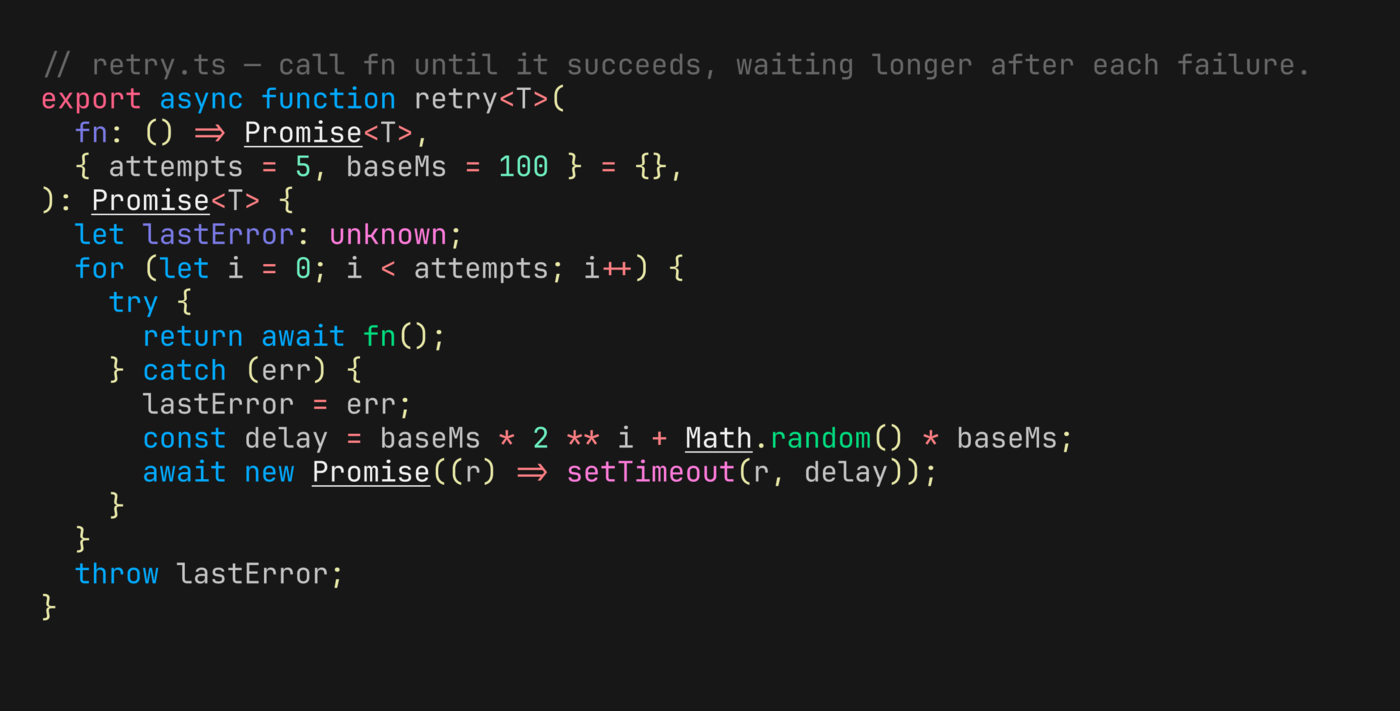
That took 0.35 seconds. With no -o, freeze writes freeze.png, and a PNG whose size freeze works out itself is drawn at four times the size of the SVG: this one is 2773×1408 pixels, sharp on any screen. The language came from the file name. Freeze recognises the same files as the Go version, because the port uses chroma's own list of languages and file names.
For an SVG, name one:
$ npx freeze retry.ts -o retry.svg
 WROTE  retry.svg
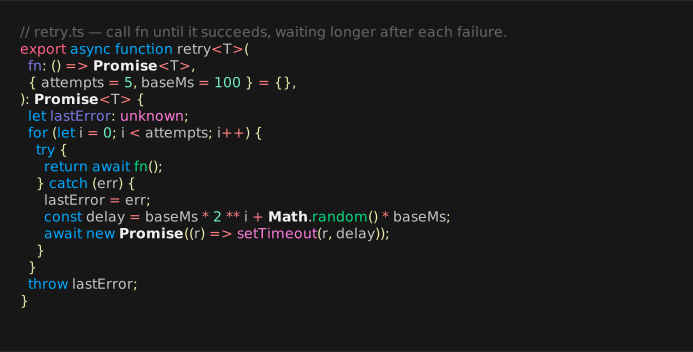
The image above is that SVG, drawn by your browser. It weighs 371 KB, and almost all of that is the font: freeze embeds JetBrains Mono in the file, so it renders the same in a browser, a design tool or a slide, whatever fonts the viewer has installed.
III – The Window
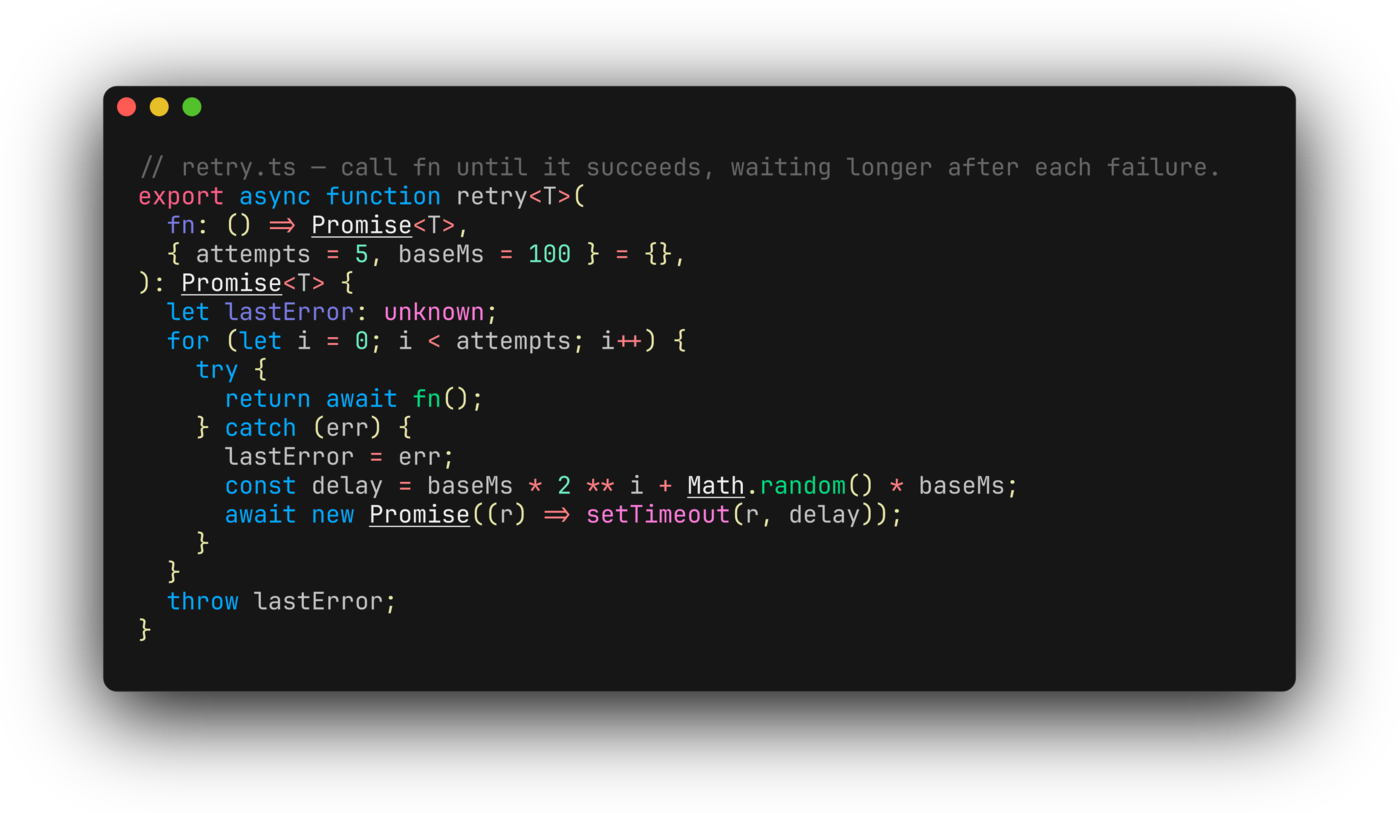
The look comes from a preset. The default, base, is what you saw: padding and a background. full adds the window controls, a border with rounded corners, a margin and a drop shadow, as in the picture at the top:
npx freeze retry.ts --config full
Every part of it is a flag, so you can build your own:
npx freeze retry.ts --window \
  --border.radius 10 --border.width 1 --border.color "#3a3a3a" \
  --padding 24,32 --margin 40 \
  --shadow.blur 30 --shadow.y 16 \
  -o custom.png
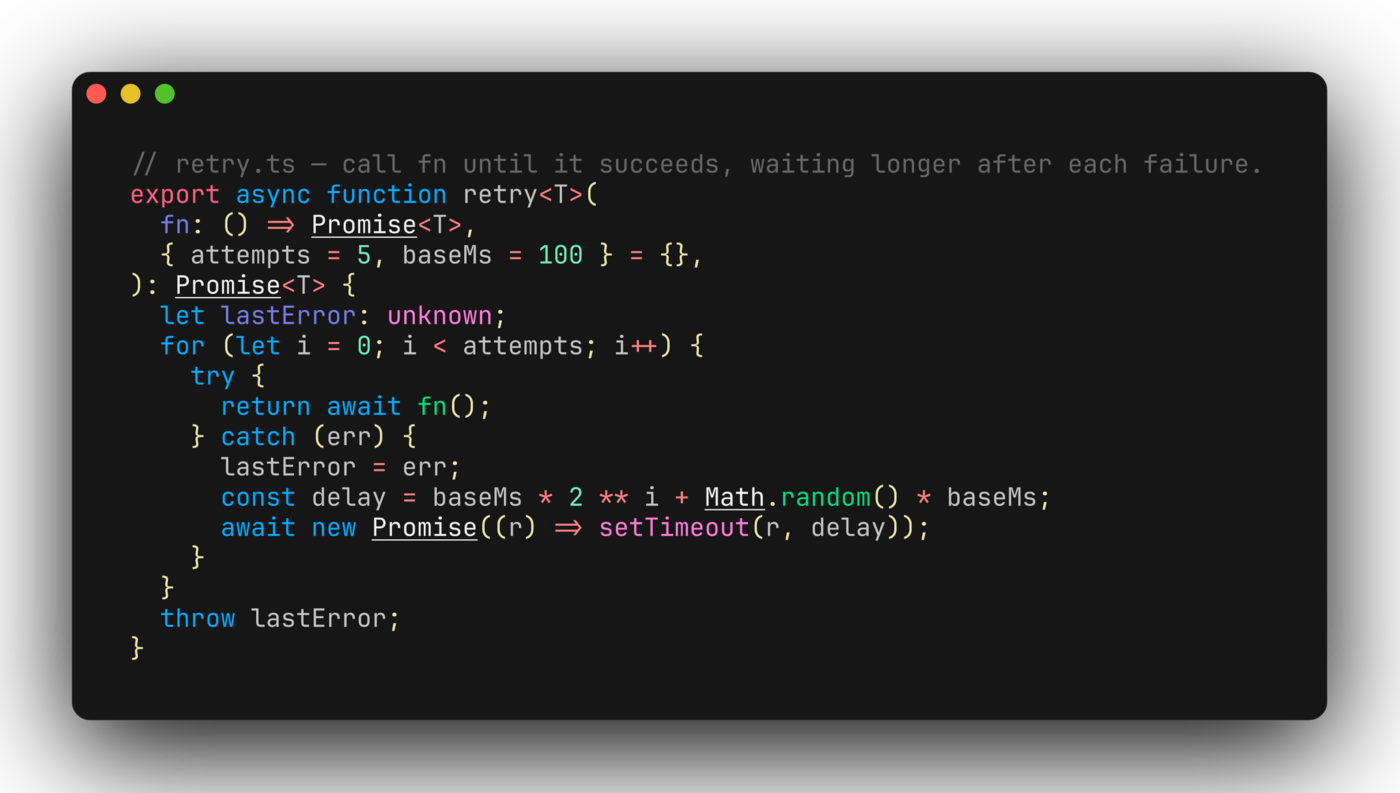
Padding and margin take one, two or four comma-separated values in CSS order (top, right, bottom, left), so --padding 24,32 is 24 above and below and 32 on the sides. --width and --height fix the image size instead of fitting it to the code.
IV – Themes, Lines and Line Numbers
--theme picks one of 75 themes: chroma's 74 (Dracula, Nord, GitHub, the Catppuccin and Tokyo Night families, Solarized and the rest) and freeze's own charm, the default. --lines keeps part of the file, and --show-line-numbers numbers what's left with the file's real line numbers:
npx freeze retry.ts --config full --theme catppuccin-latte \
  --lines 6,15 --show-line-numbers -o lines.png
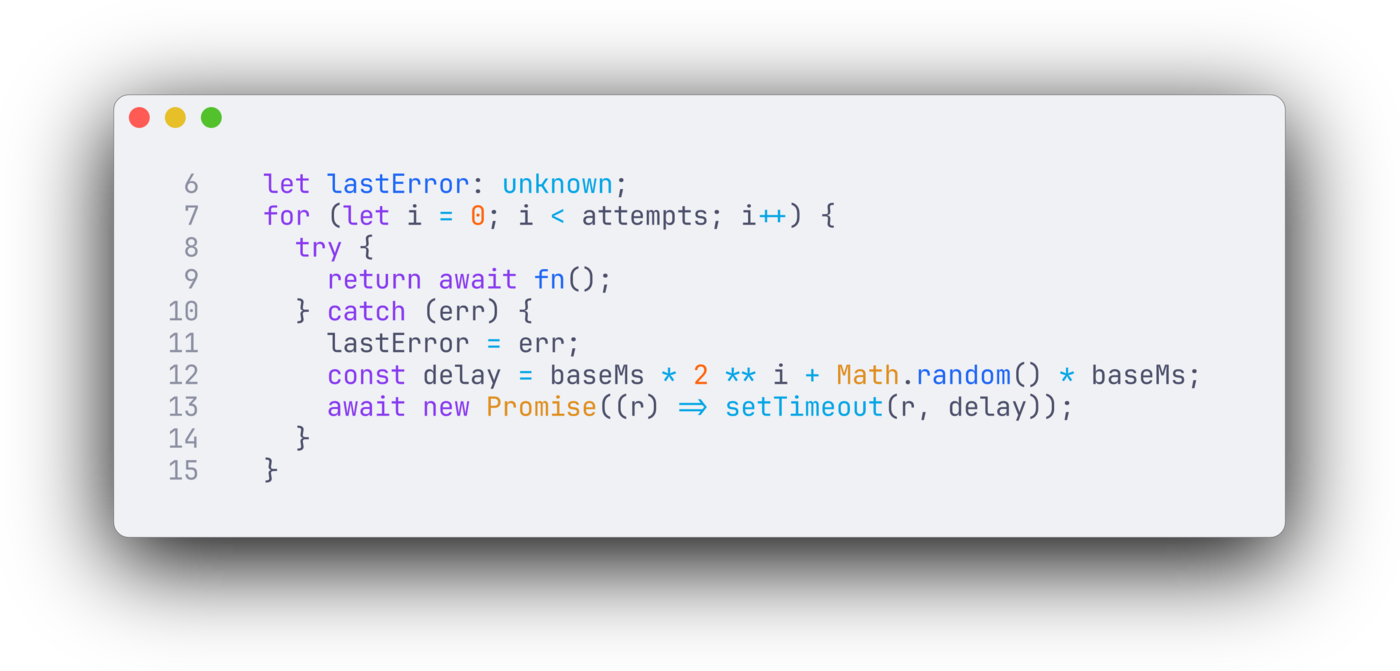
--lines counts from 1 and includes both ends. The window takes the theme's background colour; for themes without one, such as charm, --background sets it.
V – Terminal Output
--execute (or -x) runs a command and freezes what it prints. It runs it in a pseudo-terminal, so tools that colour their output for a terminal do so. Here is a coloured git diff after changing two lines of retry.ts:
npx freeze --execute "git --no-pager diff --color=always" --config full -o diff.png
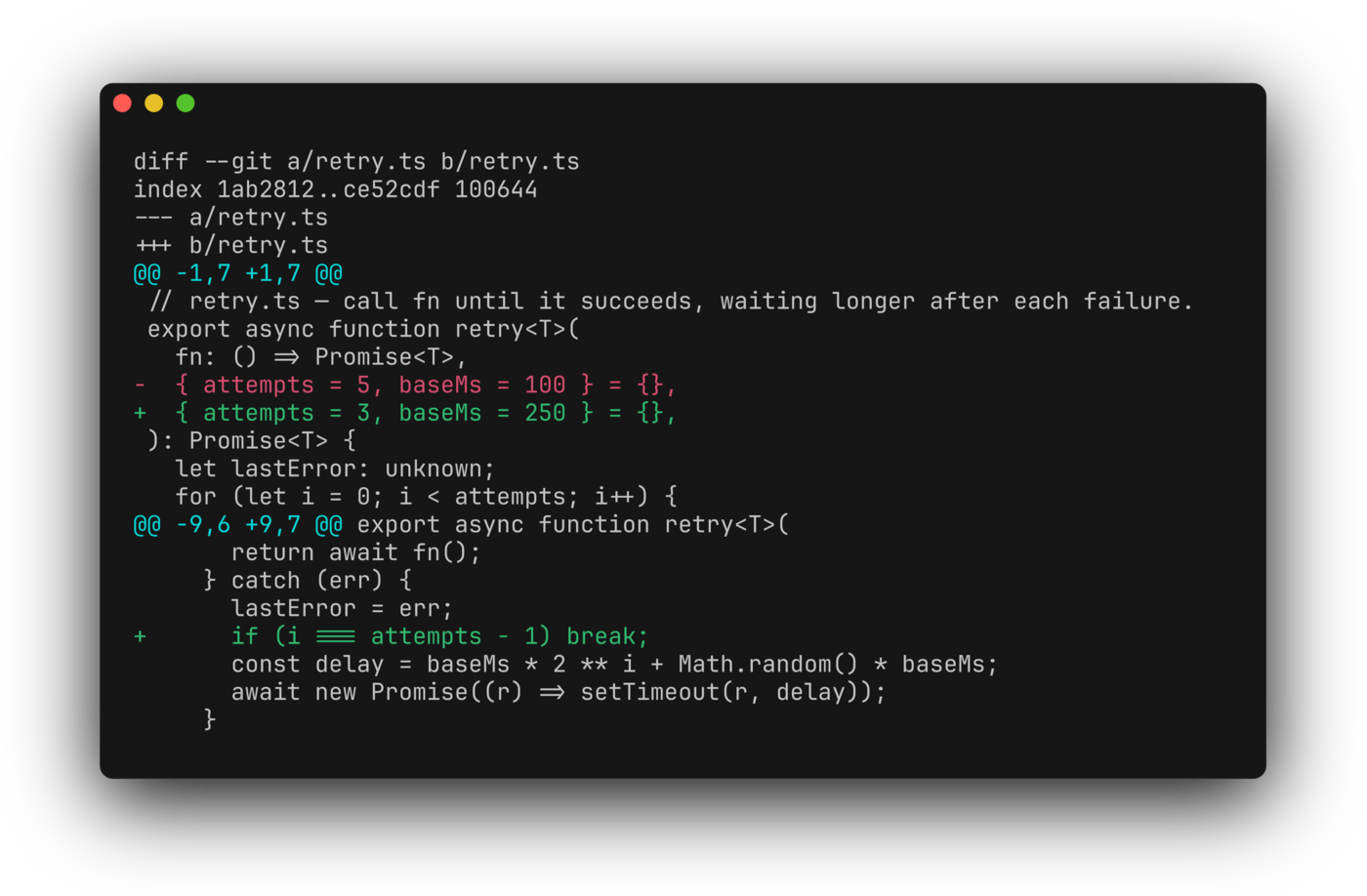
Colours, backgrounds, italics, underline and strikethrough come through; bold is ignored, as in the Go version. Under Bun the command runs in Bun's built-in terminal, and under Node.js through script, which macOS and Linux ship with. Freeze stops the command after 10 seconds (--execute.timeout 30s changes that).
Output you already have works too: a file containing escape sequences, or anything piped in, is recognised as terminal output and drawn the same way.
VI – From TypeScript
Everything the command does is a function call. renderSVG returns the SVG as a string:
// hello.ts
import { writeFileSync } from 'node:fs';
import { renderSVG } from '@oakoliver/freeze';

const svg = renderSVG({
  code: 'console.log("Hello, freeze!");\n',
  language: 'typescript',
  config: 'full',
});

writeFileSync('hello.svg', svg);
console.log(`hello.svg: ${(svg.length / 1024).toFixed(0)} KB`);
$ node hello.ts
hello.svg: 359 KB
The options are the command's flags, in camelCase and grouped: theme, window, lines, showLineNumbers, padding, margin, border: { radius, width, color }, shadow: { blur, x, y }, font: { family, size, ligatures }. Pass code (with a language) or a file.
A script can render a whole set. freeze() writes the file and picks the format from the extension, like the command; renderPNG() returns the bytes:
// shots.ts: three themes of retry.ts, plus a social card.
import { writeFileSync } from 'node:fs';
import { freeze, renderPNG } from '@oakoliver/freeze';

const started = performance.now();

// Like the CLI: the format comes from the output's extension.
for (const theme of ['dracula', 'github', 'nord']) {
  const r = freeze({ file: 'retry.ts', config: 'full', theme, output: `retry-${theme}.png` });
  console.log(`${r.output.padEnd(18)} ${Math.round(r.width)}x${Math.round(r.height)} (${r.language})`);
}

// A fixed size is drawn at 1x: exactly 1200x630 for a link preview.
const card = renderPNG({
  file: 'retry.ts',
  theme: 'catppuccin-mocha',
  config: 'full',
  width: 1200,
  height: 630,
  margin: [60],
  font: { size: 22 },
  lines: [2, 15],
});
writeFileSync('card.png', card);
console.log(`card.png           1200x630, ${(card.length / 1024).toFixed(0)} KB`);
console.log(`done in ${Math.round(performance.now() - started)} ms`);
$ node shots.ts
retry-dracula.png  3253x1888 (TypeScript)
retry-github.png   3253x1888 (TypeScript)
retry-nord.png     3253x1888 (TypeScript)
card.png           1200x630, 82 KB
done in 1462 ms
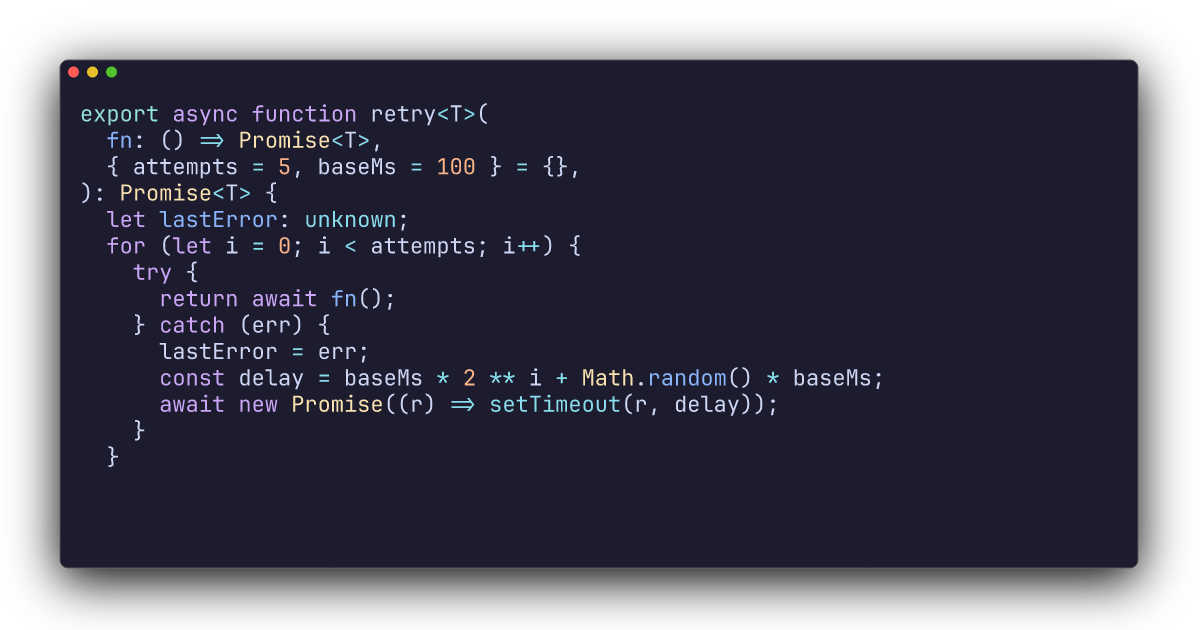
Four images in about 1.4 seconds, on Node 26 and on Bun alike. render() returns the SVG together with its size and detected language without writing anything, freezeCommand() is --execute as a function, and renderWebP() gives lossless WebP.
VII – Your Own Preset
Settings you use every time belong in a JSON file. The keys are the flag names, nested at the dots:
{
  "theme": "tokyonight-night",
  "window": true,
  "border": { "radius": 12, "width": 1, "color": "#3b4261" },
  "shadow": { "blur": 20, "x": 0, "y": 10 },
  "padding": [24, 32],
  "margin": [40],
  "font": { "family": "JetBrains Mono", "size": 16, "ligatures": false },
  "line_height": 1.4
}
npx freeze retry.ts --config freeze.json -o preset.png
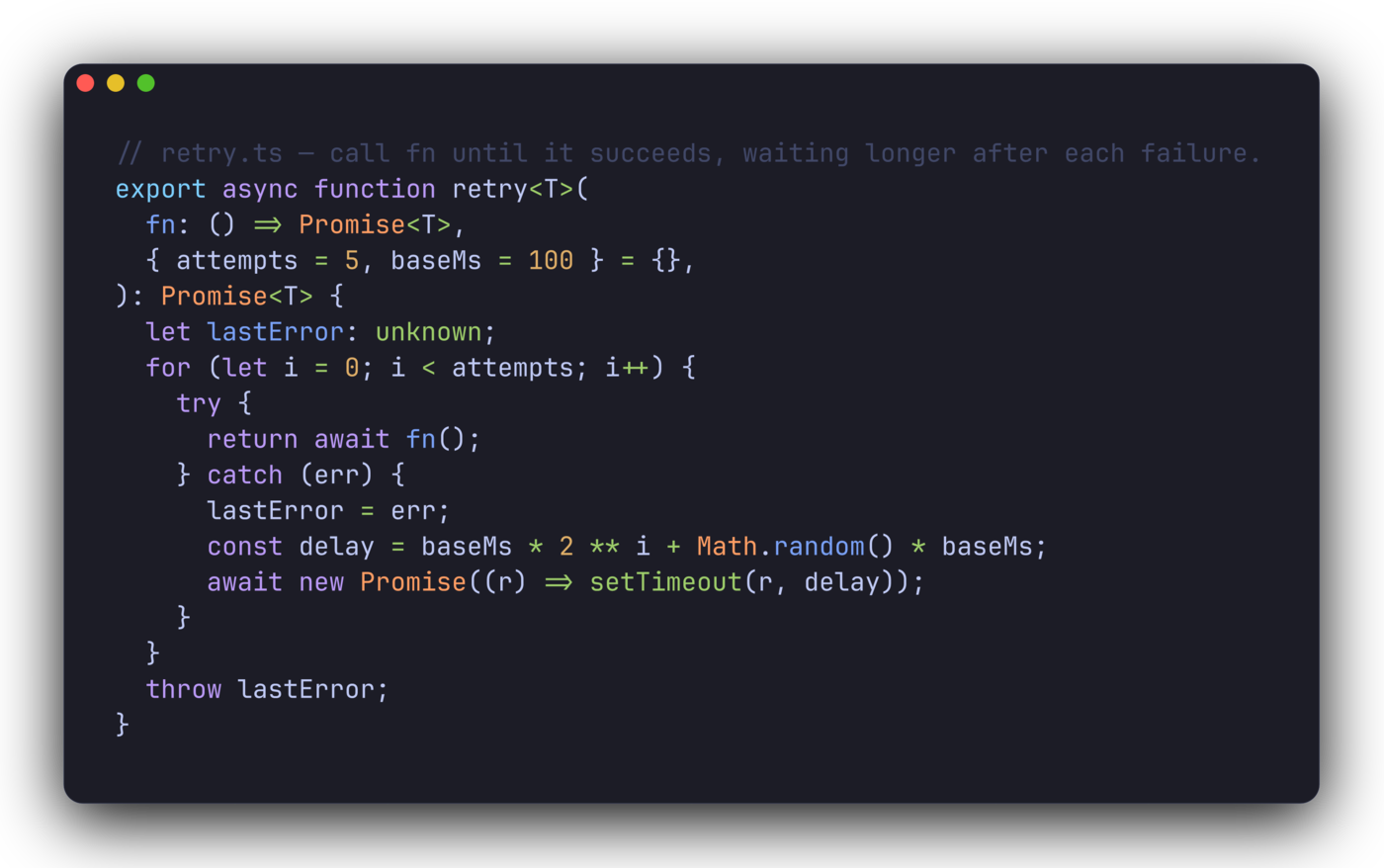
Flags on the command line still win over the file. With "ligatures": false, => and != keep their two characters instead of becoming arrows.
Or let freeze ask. --interactive opens a form with the same settings, writes the image, and saves your answers as the user preset, which --config user loads next time:

VIII – Gotchas
These are the ones we hit while writing this guide. Each behaves the same way in the Go version.
A config file replaces the base preset rather than extending it. A file with only {"theme": "charm"} gives an image with no size, no padding and no font, because everything it doesn't set is zero. Start from a full file like the one above.
Freeze reads standard input whenever it's a pipe. In a script or a CI job where stdin is not a terminal, freeze retry.ts waits for input that never comes. Add < /dev/null.
Name the language of piped code. Freeze guesses the language of piped code from a few content signals, as chroma does, and the guess can be wrong: cat retry.ts | npx freeze takes the file for GDScript 3, because text containing const or export scores for it, and the colours come out wrong. cat retry.ts | npx freeze -l typescript fixes it.
Pagers wait. git log in a terminal opens a pager, so freeze -x "git log" hangs until the timeout. Use git --no-pager.
PNGs are big because they're 4×. An automatically sized PNG is drawn at four times the SVG's size. For an exact size, set --width and --height: then it's drawn at 1×, as for the card above.
IX – What to Read Next
- The README at github.com/oakoliver/freeze lists every flag and option, and the few places where the port differs from Go freeze v0.2.2. The main one: code is highlighted with highlight.js rather than chroma, so the colour of individual tokens can differ, while the layout is identical.
- The examples folder has a full-screen snapshot studio for browsing files and exporting images, a script that renders a set of social cards, and a way to freeze any frame of a Bubble Tea program.
- How it was built: Porting Go's Freeze to TypeScript.
- Charm's original freeze.
- Package: @oakoliver/freeze on npm, source at github.com/oakoliver/freeze.
X – Requirements
- Node.js 18 or later (the package's
enginesfield). We ran the command, PNG output and--executeon Node 18.12, 18.20, 20.6, 20.18, 22.16, 24.16 and 26.8, and got the same SVG from each. To run the.tsscripts directly, use Node 24 or later, or Bun; older Node versions can run them throughtsx. - Bun: everything was also run on Bun 1.4.
- PNG and WebP:
@resvg/resvg-js, installed with the package where its prebuilt binaries exist. --executeunder Node.js needsscript, which macOS and Linux include. On Windows the command runs without a terminal, withFORCE_COLORset.